
Document management
Documents where they belong.
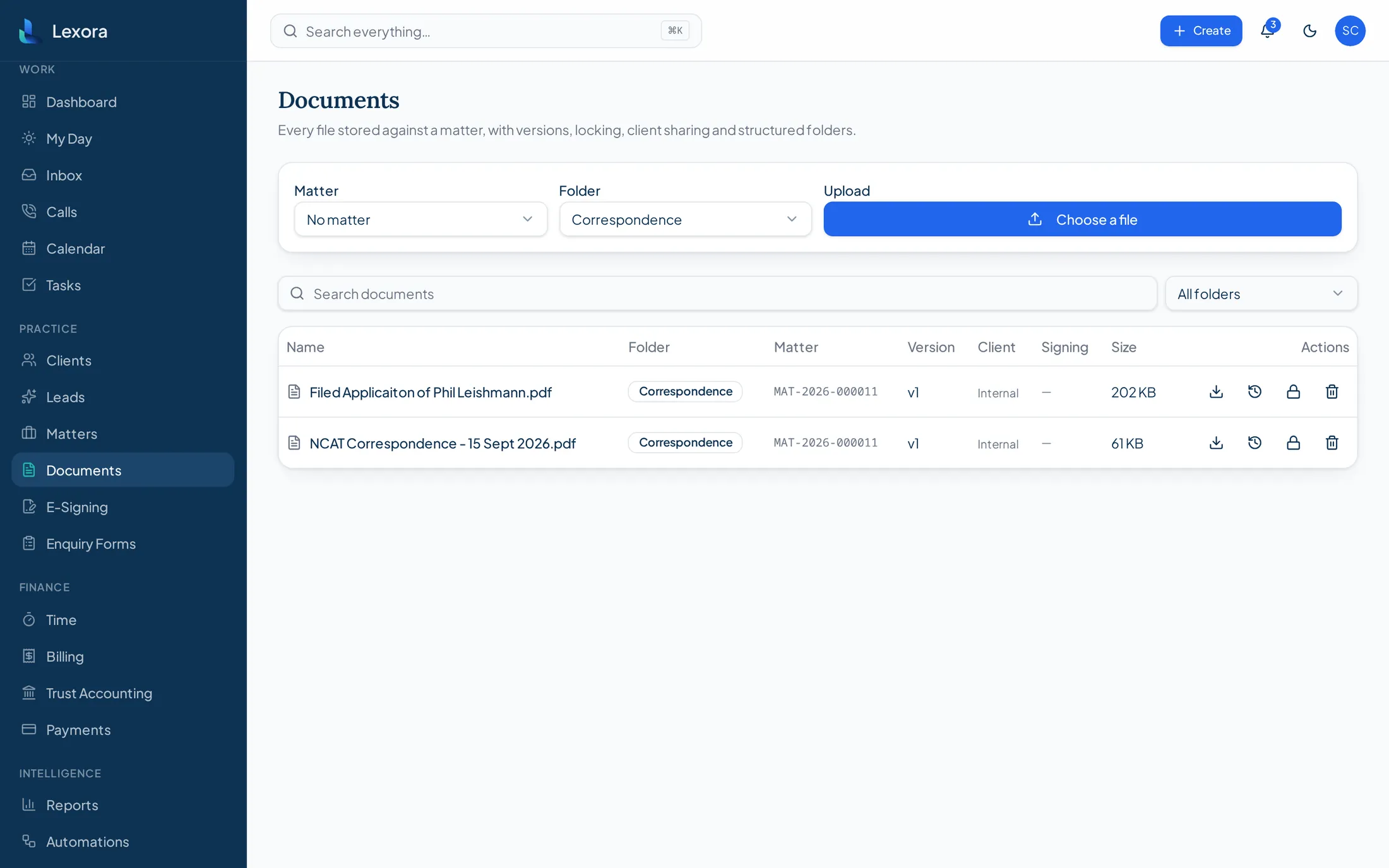
Every document sits on the matter it relates to, with the history of who changed what, and an optional copy in the firm's own cloud storage.
What it does
Matter-based organisation
Documents are filed against the matter rather than a separate folder tree.
Search
Find documents across the firm by name, matter or client.
Version visibility
New versions are retained so the history of a document is clear.
Document activity
Uploads, versions and downloads are recorded against the file.
Cloud backup
Connected storage providers receive a copy of matter documents.
Restore as new version
A backed-up copy can be restored into the matter as a new version.
E-signature workflow
Documents can be sent for signature and the executed copy returned to the matter.
Templates
Firm document templates for repeatable work.
Permissions
Access follows the firm's role-based permissions.
Cloud storage providers (Microsoft OneDrive / SharePoint, Google Drive) require the firm to authorise Lexora with its own provider account. Dropbox support is configuration-required and not yet connected.

A brighter practice ahead.
Bring your matters, communications, time, billing and trust together with Lexora.